ZK777 Account Security: Scam Prevention & Safety Guide 2026
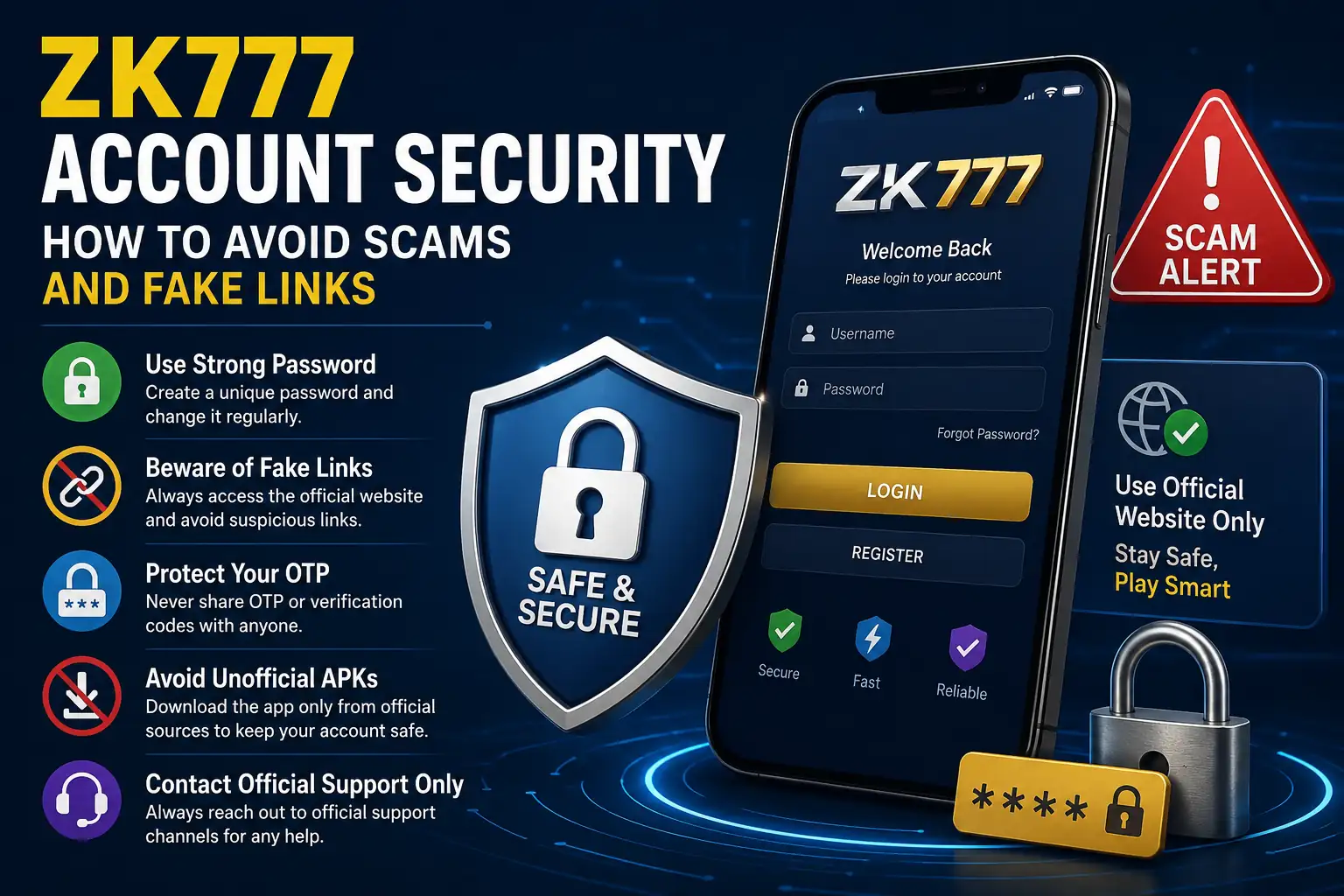
ZK777 Account Security should be taken seriously by every user who signs in, downloads files, or communicates with support online. Gaming-related websites can attract fake pages, copied logos, phishing messages, and unofficial download links. A few basic checks can reduce the chance of losing access to an account or exposing personal information.
This guide focuses on practical ZK77 Scam Prevention steps. It does not require technical knowledge. The main idea is simple: verify the website, protect your login details, and never trust a message only because it uses familiar branding.
Check the Website Before You Sign In
One of the most important ZK777 Account Security habits is checking the web address before entering a username, phone number, or password. Fake websites may use a similar logo or a slightly changed domain name to look genuine.
If you encounter a domain such as ZK777.com, do not assume it is official just because the name looks familiar. Compare it with the address published on the platform you already trust. Avoid links sent by unknown people through comments, random groups, or direct messages.
The same rule applies if a page uses another gaming phrase such as ZH777 Game. A similar name does not prove that two websites or apps are connected.
Protect Your Login Information
Your ZK777 Login details should stay private. Use a password that you do not reuse on email, social media, or other websites. A strong password should be difficult for another person to guess and should not contain simple information such as your name or birthday.
For better ZK777 Account Security, never share your password, OTP, verification code, or wallet PIN with another person. Someone claiming to be support should not need your password to check a basic account issue.
If you receive an unexpected login code, do not forward it. Instead, open the website yourself and review your account activity.
Be Careful With APK Downloads
Android users should be especially careful with APK files. An unofficial ZK777 APK shared through an unknown website, messaging group, or shortened link could be modified or unsafe.
Before installing any ZK777 App file, confirm that the download source is the one officially provided by the service. Do not disable important device-security warnings just because a message tells you to do so.
This is a key part of ZK777 Scam Prevention because harmful files can imitate a real app while attempting to collect passwords or other private information.
Recognize Fake Support Messages
Scammers sometimes create accounts that look like customer support. They may promise quick account fixes or claim that urgent verification is required. Good ZK777 Account Security means slowing down when a message pressures you to act immediately.
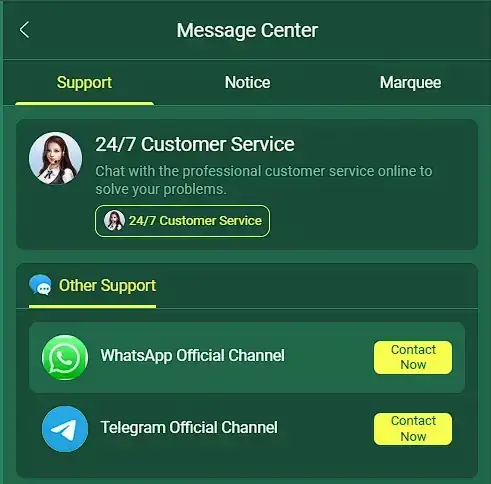
Watch for requests to send an OTP, password, identity document to an unknown account, or payment to a personal number that is not shown through the official service. If something looks suspicious, contact support through the contact information published on the website rather than replying to the message.
Use Your Own Device Where Possible
Shared phones, public computers, and borrowed devices can increase account risk. If you must use a shared device, avoid saving the password and make sure you sign out after finishing.
For stronger ZK777 Account Security, keep your browser and phone software updated. Device updates often include security fixes that help protect saved information and web sessions.
You should also review browser notifications and permissions. Remove permissions from websites you no longer recognize or use.
What to Do If Something Looks Wrong
If you notice an unfamiliar login, changed account details, or a message you did not send, change your password as soon as possible through the official account settings. Then review any security or account-history options available.
Do not keep trying random links while looking for help. ZK777 Scam Prevention works best when you return to a known official source and keep screenshots or basic details of the suspicious activity so support can understand the problem.
Final Security Checklist
ZK777 Account Security is mainly about verification and privacy. Check the domain before signing in, download files only from trusted sources, protect passwords and OTPs, and be cautious with anyone claiming to provide unofficial support.
Security habits may feel simple, but they can prevent many common account problems. Staying alert around links, downloads, and login requests is one of the easiest ways to keep your account information safer online.